Your Desk Is the Wrong Height. Here Is the Arithmetic
Standard desks are 29 to 30 inches. Correct seated desk height for most adults is lower than that. Four ways to close the gap, three of them cheap.
By Ellis Warner, editor, hardware and workstation geometry
Published Apr 23, 2026 · reviewed Sep 4, 2026 · 9 min read
- Updated September 4, 2026
- 9 min read
In this guide
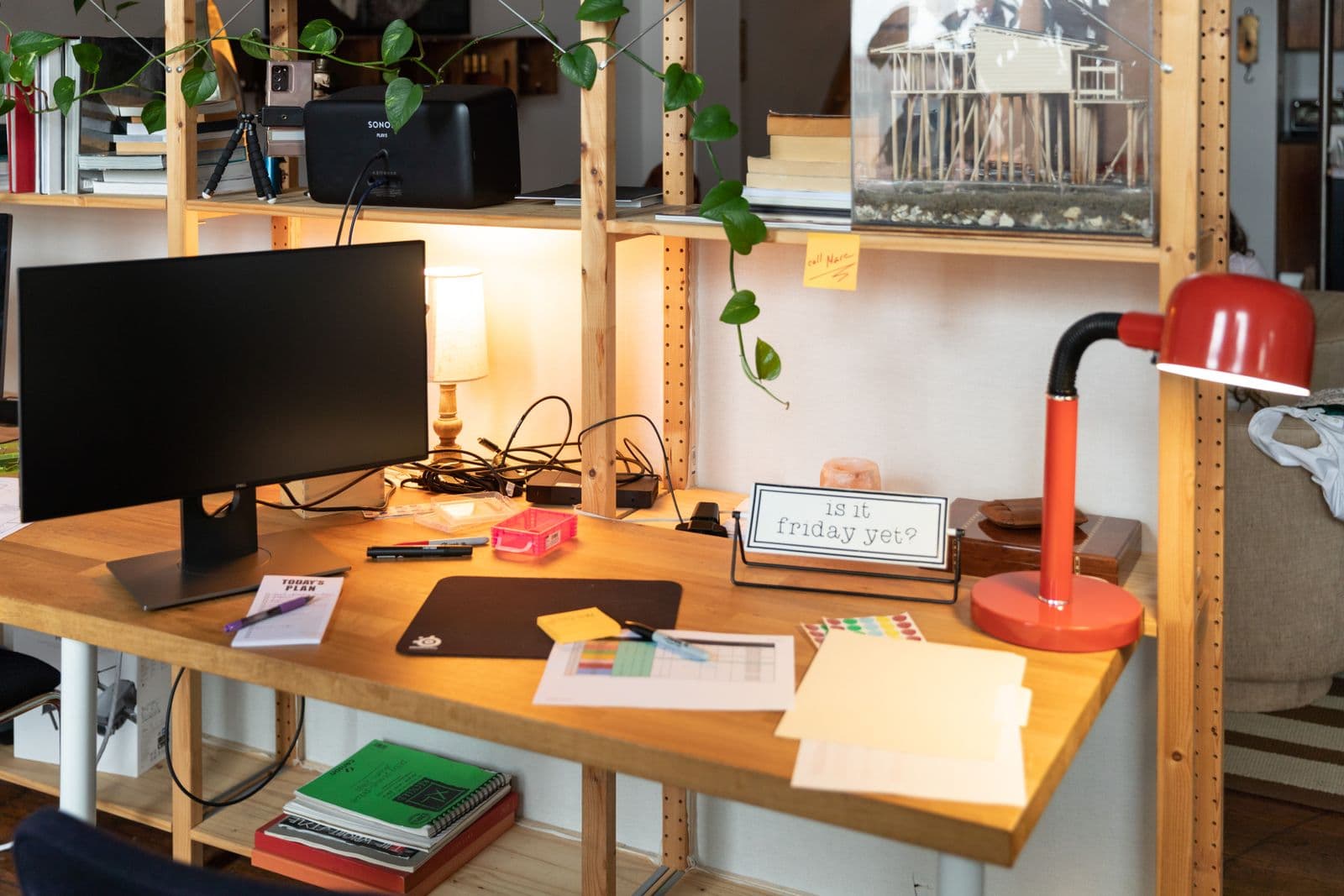
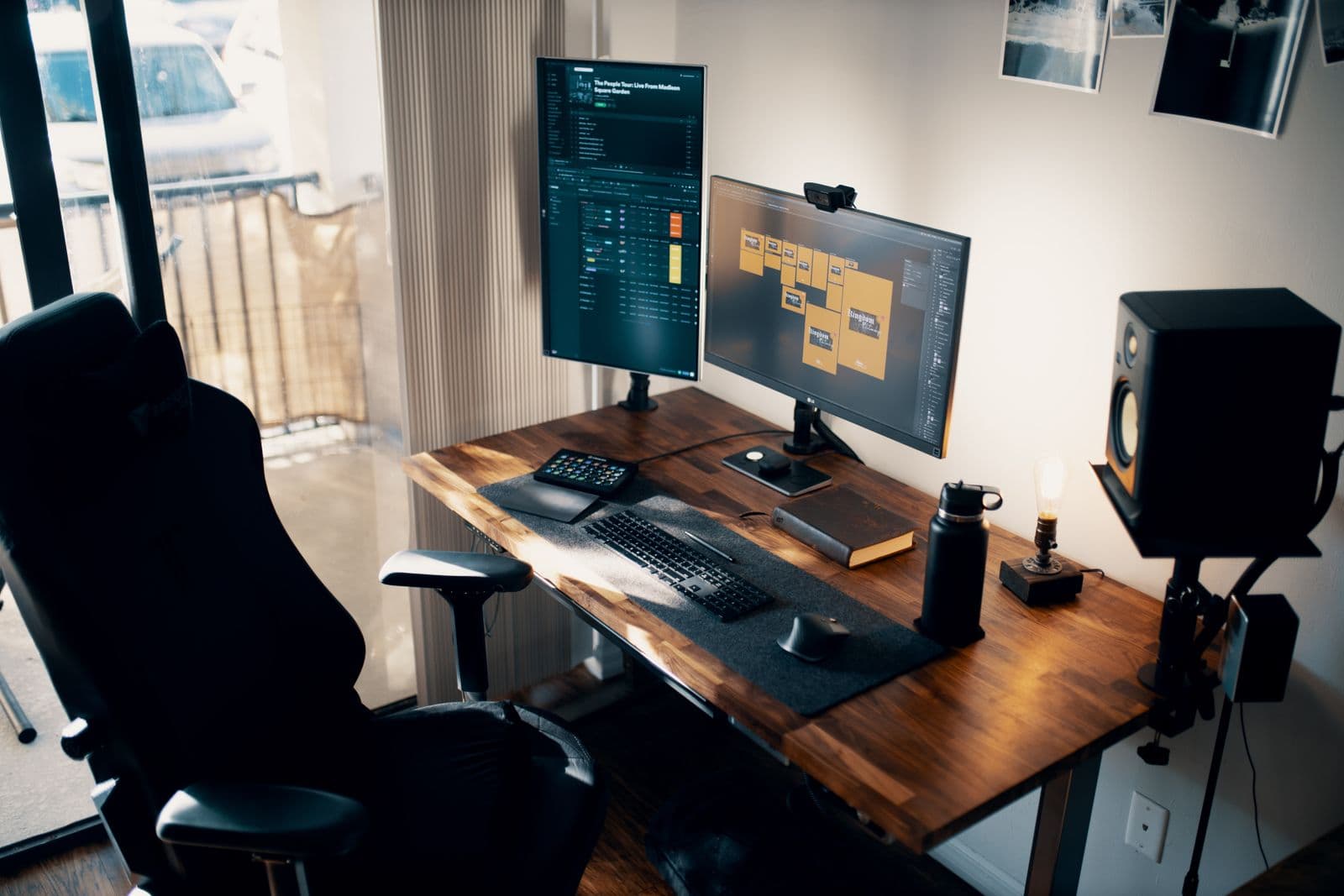
Almost every fixed desk sold in the last century is between 29 and 30 inches tall. That number is not derived from anybody's body. It is a furniture convention, and it happens to be too tall for most adults sitting in a chair.
The arithmetic here is short. Your seated elbow height is the correct height for your working surface. Measure it, compare it to 29 inches, and the difference is a problem you have been solving with your shoulders.
The measurement, and the comparison
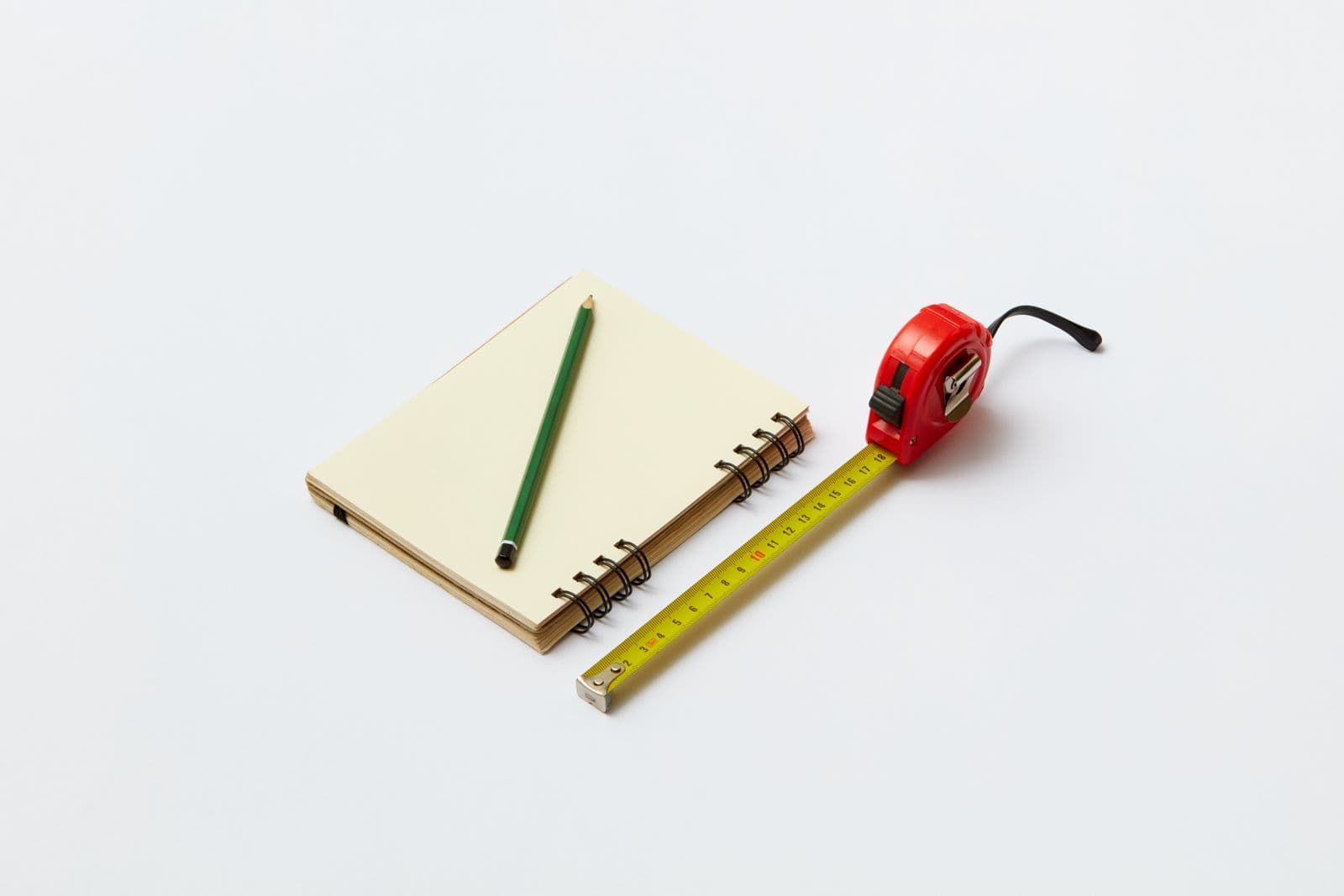
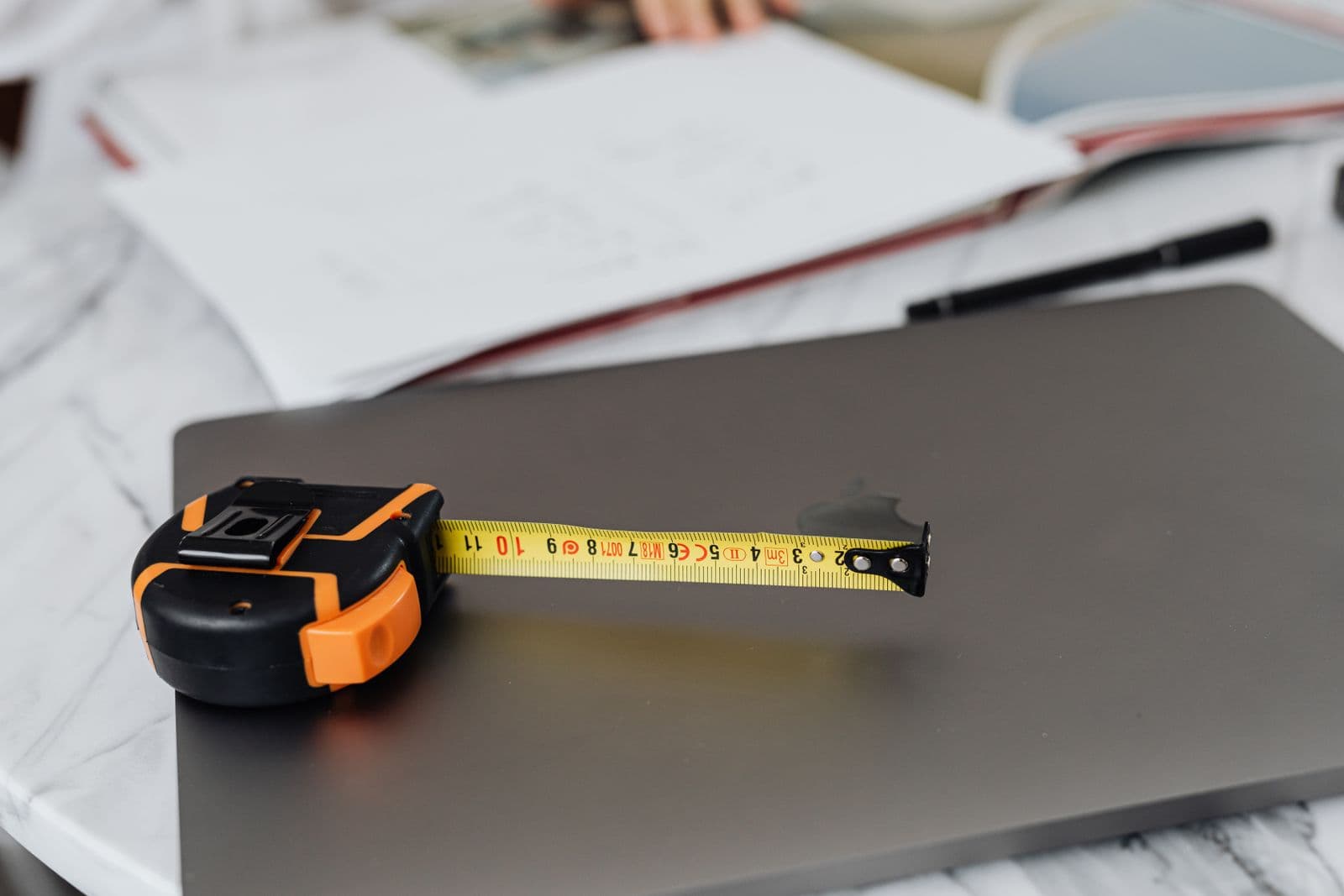
Sit in the chair you use, feet flat on the floor, thighs roughly parallel to the ground. Let your upper arms hang straight down and bend your elbows to 90 degrees so your forearms are parallel to the floor. Measure floor to the underside of your elbow.
That number is where your keyboard should be.
For a large share of adults it lands somewhere between 24 and 28 inches. A standard desk puts the surface at 29 to 30, and a keyboard sitting on that surface adds around another inch. So a typical mismatch is two to five inches.
Two to five inches sounds trivial. Here is what your body does with it.
What a too-tall desk actually costs
You cannot lower the desk, so you raise yourself, and there are only two ways to do that.
Option one: raise the chair. Now your feet do not reach the floor properly, so your thighs press into the front edge of the seat, circulation to the lower legs is reduced, and your pelvis rolls back to compensate for the dangling weight. That rolls the lumbar spine into flexion and rounds the upper back. The neck ache follows.
Option two: leave the chair and raise the shoulders. Both shoulders sit slightly elevated for six hours, held there by the upper trapezius. Nobody notices doing this. Everybody notices it at 3pm.
Most people do a bit of both, which is why the symptoms of a too-tall desk are diffuse: shoulders, neck, upper back, sometimes the wrists. There is no single sore spot because the compensation is distributed.
| Your seated elbow height | Gap vs a 30 in surface | What tends to happen |
|---|---|---|
| 24 in | 6 in | Chair raised to the top, feet dangling, pelvis rolled back |
| 26 in | 4 in | Split compensation, shoulders up and feet on tiptoe |
| 28 in | 2 in | Persistent low-grade shoulder elevation, no obvious cause |
| 30 in | 0 in | The desk was built for you. Roughly one adult in ten |
The four fixes, cheapest first
1. Lower the chair and add a footrest. Cost: $0 to $30.
This is the right first move and it is counterintuitive, because it makes the desk feel further away. Drop the chair until your feet rest flat and your thighs are level, then put something under your feet if that leaves them short. A stack of books works. This does not fix the desk height, but it removes the pelvic-tilt half of the problem, which is the half that causes the rounded upper back. Whether a purpose-made footrest is worth buying has a surprisingly specific answer.
2. Add a keyboard tray. Cost: $50 to $150.
The only fix that actually lowers your working surface. A tray that drops three to four inches below the desktop takes a 30-inch desk to a 26-inch typing height, which covers most of the gap for most people. It also frees the desk surface for the monitor, which usually needs to go up rather than down.
The catch is fitting. Under-desk trays need clearance and a mounting surface, and a desk with a front apron or a drawer often has neither. Measure before you order.
3. Cut the legs. Cost: $0 and some nerve.
If the desk is yours, cheap, and has straight legs, this is genuinely the best fix available. Measure, mark, cut all four the same, and you have a desk built for your body. People are squeamish about this and it is the single highest-value change on the list.
4. Buy a height-adjustable desk. Cost: $277 upward.
Solves it completely and solves the standing question at the same time. Worth it if you were considering one anyway. Note that the same arithmetic applies to the purchase: frame ranges are quoted without a desktop, and several popular frames cannot come down far enough for a shorter adult.
What about standing height, and split surfaces
Two variations worth knowing about, because both come up as soon as you start measuring.
Standing. The same arithmetic applies with a different number. Your standing elbow height, measured with your arms hanging and elbows at 90 degrees, is where the surface should sit when you are up. For most adults that is 12 to 17 inches above their seated number, which is why a fixed-height desk cannot serve both and why a sit-stand desk is really two desks that share a top. The measuring method for both numbers is the same procedure done twice.
Split surfaces. The classical ergonomic arrangement is two heights: the keyboard at elbow height and the monitor higher, on the desk surface proper. This is what a keyboard tray gives you, and it is why a tray plus a 30-inch desk often beats a 26-inch desk with everything on one plane. The monitor wants to be up. Your hands want to be down. A single surface has to compromise between them and a split one does not.
That is also why the cheapest complete fix for a lot of people is a keyboard tray and a stack of books under the monitor, total cost about $60, rather than a new desk.
The check that catches the remaining error
Once the surface is at your elbow height and your feet are supported, sit and work for twenty minutes, then stop and notice three things without correcting them.
Your shoulders. Are they level and down, or is there tension across the top of them? Elevated shoulders after twenty minutes means the surface is still high, or the armrests are set above it and doing the lifting instead.
Your wrists. Flat, or bent upward over the front edge? Extension here means the keyboard is high relative to your forearms even if the desk is right, which is usually the keyboard's own flip-out feet.
Your back against the chair. Still there, or have you crept forward? Creeping forward is what people do when the surface is too far away or too high, and it takes you off the backrest.
Any one of those means something is still off by an inch or two, and an inch or two is the entire subject of this page.
The one that is not a fix
Raising the chair and living with the dangling feet. This is what most people default to, and it converts a shoulder problem into a lower back problem. A pelvis unsupported by the floor rolls backward, and everything above it rounds to stay balanced.
If you take one thing from this page: your feet being flat and supported is not optional, and every measurement above assumes it.
Where the monitor goes after you fix the desk
Lowering your typing surface raises the gap between the desk and your eye line, which means the monitor almost certainly needs to come up. That is a good problem. The numbers for it are published, and checking your screen against them takes six minutes.
The other thing that changes is where your hands sit. A lower surface changes the angle at the wrist, and keyboard and mouse position is the third of the three geometries. Height, screen, hands. Fix them in that order, because each one moves the next.
Questions people actually ask
What is the correct desk height?
Your seated elbow height, measured with your feet flat on the floor and your forearms parallel to the ground. For most adults that lands between 24 and 28 inches, against a standard fixed desk at 29 to 30. There is no correct universal number, which is the whole point.
Is a 30 inch desk too tall?
For most adults, yes, by two to five inches at the working surface. It suits somebody with a seated elbow height around 29 inches, which is a fairly tall adult. Everybody else is compensating with the chair, the shoulders, or both.
Should I raise my chair or lower my desk?
Lower the desk if you possibly can. Raising the chair to meet a tall desk lifts your feet off the floor, which rolls the pelvis back and rounds the whole spine above it. If you must raise the chair, a footrest is not optional.
Do keyboard trays actually help?
They are the only cheap fix that genuinely lowers your typing surface, usually by three to four inches, which covers most of the gap for most people. The constraint is fitting: a desk with a front apron or a shallow drawer often has nowhere to mount one.
Can I just cut the legs off my desk?
On a cheap desk with straight legs, yes, and it is the best value fix on this page. Measure your seated elbow height, subtract it from the current surface height, mark all four legs identically and cut. The result is a desk built for one person, which is what you wanted.
Sources
- OSHA Computer Workstations eTool, working posture and workstation component guidance.
- OSHA guidance on chairs and seated posture, for the feet-flat and thigh-clearance requirements underpinning the chair-height section.
- Frame height ranges used in the adjustable-desk comparison come from the FlexiSpot E7 (flexispot.com) and Vari (vari.com) specification pages, read April 2026.
As an Amazon Associate we earn from qualifying purchases. We earn a commission on some links, at no extra cost to you. It never changes which products we recommend or how they score. Full disclosure

Who wrote this
Editor, hardware and workstation geometry
Ellis Warner edits A Better Posture and writes the hardware side of it: desks, chairs, monitor arms and the measurements that decide whether any of them help. He reads the specification sheet, the warranty and the returns policy in full before he reads a single review, because that is where the differences between two apparently identical products actually live.
More from EllisThe standard
How this guide was built
- Manufacturer specification sheets and warranty terms, read in full rather than summarised from a listing.
- Published clinical trials and standards bodies where they exist, cited by name and linked.
- Owner reports at volume, including the one-star reviews, which is where failure modes live.
- Every price checked against the live listing on the date printed beside it.