Best Ergonomic Office Chairs Under $400
Four budget ergonomic chairs compared on the adjustments they actually have, and which compromise each one asks you to accept.
By Ellis Warner, editor, hardware and workstation geometry
Published Jul 30, 2026 · 8 min read
- Updated July 30, 2026
- 8 min read

In this guide
Under $400 is where a chair either has height-adjustable lumbar support and adjustable seat depth, or has neither and a longer list of armrest axes instead. That is the real division in this tier, and the marketing does not draw it.
Four chairs below, each making a different trade between support, adjustment and price.
Specifications come from the published product listings. Before comparing anything, note your own seated elbow height and lower leg length, because seat height range excludes people quietly and it is the spec worth checking first.
The two numbers to take first
Before any chair, measure two things about yourself. Your seated elbow height, arms hanging and elbows bent to ninety degrees, is roughly where the armrests and the desk surface want to be. Your lower leg length, floor to the back of the knee, is the seat height the chair has to reach so your feet sit flat with your thighs level. A chair whose minimum seat height is above that number leaves your feet dangling and rolls the pelvis back no matter how good the backrest is, and it is the one specification a listing will happily sell you straight past. Take both numbers once, write them down, and every chair below becomes a yes or a no before you read a single other line of its spec sheet. It is the cheapest five minutes in this whole process, and it is the step nearly everyone skips.
Marsail Ergonomic Office Chair

Marsail Ergonomic Office Chair
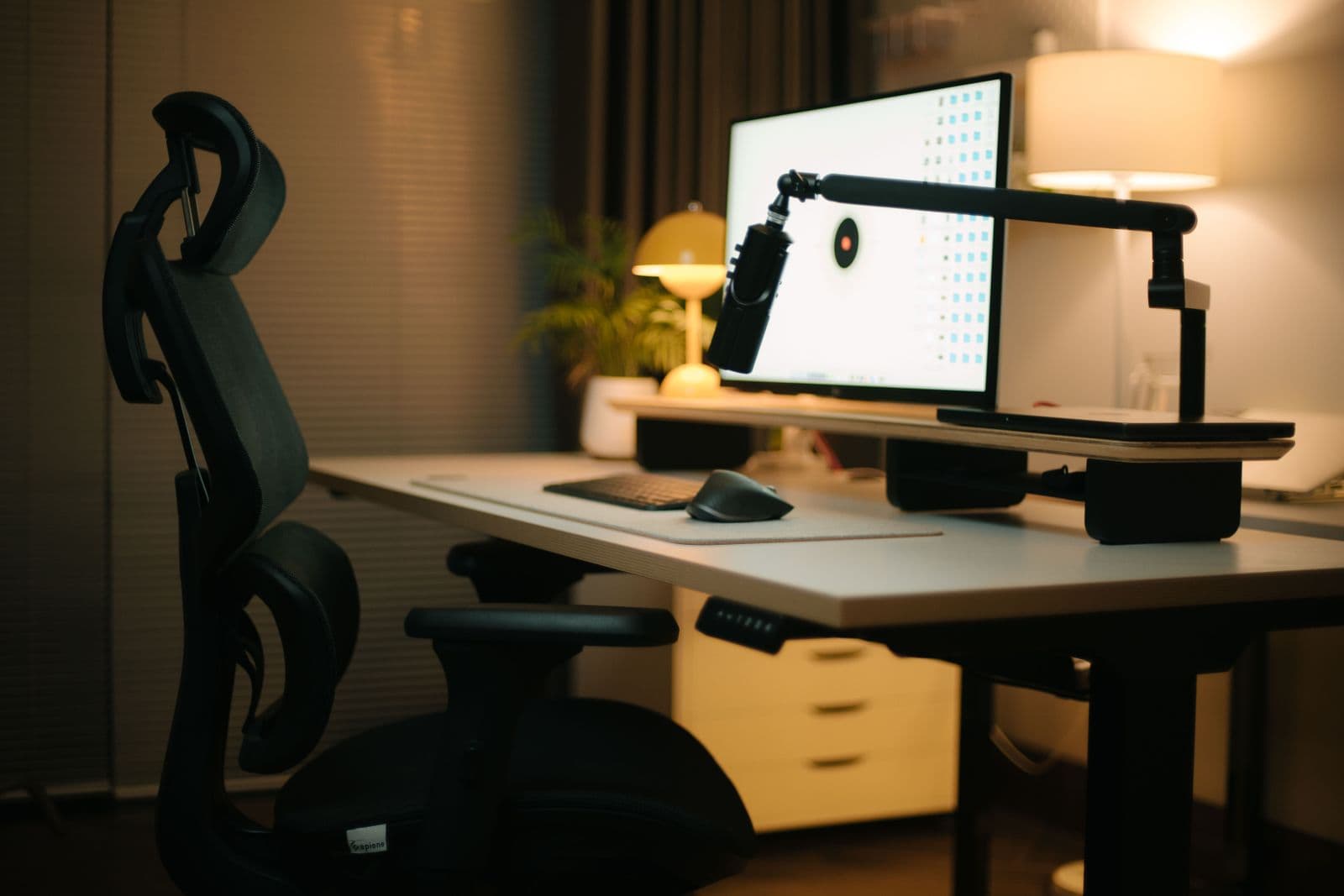
An ergonomic chair with adjustable lumbar support and a 2D adjustable headrest, which is more support adjustment than most budget chairs include. A reclining tilt lets you shift weight off the sit bones, and the mesh back keeps it breathable.
We may earn a commission on this link. It never changes the ranking.
- Type
- Ergonomic office chair with headrest
- Lumbar
- Adjustable lumbar support
- Headrest
- 2D adjustable
- Recline
- Reclining tilt with lock
- Best for
- Lumbar and neck support on a budget
What works
- Adjustable lumbar support, which many budget chairs omit
- 2D adjustable headrest for reclining
- Reclining tilt to shift weight off the sit bones
- Breathable mesh back
What to know
- A budget chair, so build quality is not commercial-grade
- No sliding seat-depth adjustment
- Assembly takes some time
- Armrest adjustment is limited compared with 3D arms
Wrong for you if you want 3D armrests and a sliding seat pan. This covers lumbar and headrest, not every axis.
Amazon Basics Ergonomic Mesh Chair

Amazon Basics Ergonomic Mesh Chair
A breathable high-back mesh chair with lumbar support and a reclining tilt, the plain, known-brand option in the budget tier. It covers the basics of an ergonomic chair without the price of the feature-loaded options.
We may earn a commission on this link. It never changes the ranking.
- Type
- High-back ergonomic mesh chair
- Support
- Lumbar support, breathable mesh back
- Recline
- Reclining tilt with lock
- Armrests
- Armrests included
- Best for
- A no-fuss budget ergonomic chair
What works
- Breathable high-back mesh
- Lumbar support and reclining tilt
- From a known brand with straightforward returns
- Simple to set up and use
What to know
- Fewer adjustments than the feature-loaded chairs here
- No sliding seat-depth adjustment
- Fixed or limited armrests rather than 3D
- A basic chair, not a commercial-grade frame
Wrong for you if you want a chair loaded with adjustments. This is the plain, basics-covered option, not the feature-heavy one.
Hbada E3 Pro Ergonomic Chair

Hbada E3 Pro Ergonomic Chair
A mesh ergonomic chair with a 3-zone floating back that flexes to support the lower back as you move, plus a reclining tilt. It is the option for someone who wants support that adapts without fiddling with a knob.
We may earn a commission on this link. It never changes the ranking.
- Type
- Ergonomic mesh office chair
- Back
- 3-zone floating mesh back
- Recline
- Reclining tilt with lock
- Armrests
- Adjustable armrests
- Best for
- Adaptive back support without manual tension
What works
- 3-zone floating back flexes to support the lower back
- Reclining tilt to shift weight backward
- Breathable full-mesh construction
- A newer design at a budget price
What to know
- No sliding seat-depth adjustment
- A floating back suits some sitters and not others
- Assembly takes some time
- A budget frame, not commercial-grade
Wrong for you if you prefer a firm, positionable lumbar pad. A floating back supports differently than a fixed adjustable rest.
Flash Furniture Mesh Task Chair

Flash Furniture Mesh Task Chair
A plain mid-back mesh task chair with flip-up arms, the most basic option on this page. It does breathable mesh, a reclining tilt and a small footprint, without the adjustable lumbar or headrest of the pricier chairs.
We may earn a commission on this link. It never changes the ranking.
- Type
- Mid-back mesh task chair
- Back
- Breathable mesh, mid-back
- Arms
- Flip-up armrests
- Recline
- Tilt with tension and lock
- Best for
- A small, cheap task chair
What works
- Cheapest, simplest chair here
- Flip-up arms tuck it under a desk to save space
- Breathable mesh back
- Light and easy to move
What to know
- Mid-back only, so no upper-back or neck support
- No adjustable lumbar or seat depth
- Basic tilt rather than multi-position recline
- Lighter-duty than a full ergonomic chair
Wrong for you if you need upper-back or neck support. A mid-back task chair stops at the shoulder blades.
The trade every chair in this tier makes
Line them up and the tier explains itself. None of these gives you everything. One adds an adjustable lumbar and a headrest, another leans on a floating mesh back, a third is a stripped-back task chair, and the plainest just covers the basics from a known brand.
The pattern below $400 is that you are choosing which compromise you can live with, not looking for a chair without one. A chair with adjustable lumbar support usually gives up something on the arms or the seat. A chair with a clever back gives up fine control. The cheapest gives up support above the mid-back. Decide which of those you actually need before the price decides for you.
Above $400 the compromises start to disappear, and whether that is worth the step up depends entirely on whether the specific thing you need is one of the things being compromised.
Which one
You want adjustable lumbar and a headrest without stepping up in price: the Marsail.
You want a plain, known-brand mesh chair: the Amazon Basics mesh chair.
You want a back that adapts as you move: the Hbada E3 Pro, for the floating mesh zone.
You just need a cheap, simple seat: the Flash Furniture task chair.
Your feet dangle at any of these: the chair is not the problem. Sort the foot support and the desk height first, because a chair set high to meet a tall desk rolls the pelvis backward regardless of what the backrest is doing.
Whichever arrives, the setup is the product. Nine minutes in the right order separates a good chair from a good chair left on factory defaults, and the difference is larger than the difference between any two chairs on this page.
Questions people actually ask
Is a $300 office chair good enough?
It is if it has the adjustments you need and a seat height range that reaches your body. At this price the trade is usually height-adjustable lumbar support and seat depth: some chairs here include a lumbar adjustment, the simplest ones do not. Decide whether that adjustment matters to you before spending more.
What is the most important specification on an office chair?
Seat height range, because it is the one that excludes people outright. Seat height minimums vary across budget chairs, and if your feet cannot reach the floor at the lowest setting, nothing else on the listing helps. Check the range before anything else.
Mesh or upholstered?
A preference rather than an ergonomic question. Mesh breathes and shows the frame, upholstery holds heat and hides it. The support comes from the frame shape and the lumbar mechanism, not from the covering.
How many adjustments do I actually need?
The two that change the most are a lumbar you can position to your curve and a seat depth that fits your thigh length. Armrest axes and recline angle matter less. A chair that has the first two beats one with a longer spec list that omits them.
Do I need adjustable seat depth?
If the seat pan is too deep for your thigh length, yes, because you will slide forward to relieve the pressure behind your knees and that takes you off the lumbar support entirely. The target is two to three fingers of clearance behind the knee with your back against the backrest.
Sources
- OSHA Computer Workstations eTool: chairs, for the seat height, depth and backrest targets the comparison is judged against.
- van Duijvenbode I et al., "Lumbar supports for prevention and treatment of low back pain", Cochrane Database of Systematic Reviews, 2008. PubMed 18425875
As an Amazon Associate we earn from qualifying purchases. We earn a commission on some links, at no extra cost to you. It never changes which products we recommend or how they score. Full disclosure

Who wrote this
Editor, hardware and workstation geometry
Ellis Warner edits A Better Posture and writes the hardware side of it: desks, chairs, monitor arms and the measurements that decide whether any of them help. He reads the specification sheet, the warranty and the returns policy in full before he reads a single review, because that is where the differences between two apparently identical products actually live.
More from EllisThe standard
How this guide was built
- Manufacturer specification sheets and warranty terms, read in full rather than summarised from a listing.
- Published clinical trials and standards bodies where they exist, cited by name and linked.
- Owner reports at volume, including the one-star reviews, which is where failure modes live.
- Every price checked against the live listing on the date printed beside it.